All games / Happy Wheels
2010 · Web browser · official JavaScript edition
Play Happy Wheels Online
Ride through physics-driven obstacle courses in the official browser edition of Happy Wheels. The game depicts cartoon blood and injuries.
Use a desktop keyboard and wait for the JavaScript game panel to load. Choose Play inside the panel to use the browser edition.
 Happy Wheels
Opens the totaljerkface.com launcher in a new tab.
- Released2010
- PlatformWeb browser
- DeveloperJim Bonacci · Fancy Force
- Browser portTotaljerkface · JavaScript Edition
- Game filesThe hosted game provides its data.
2048
Slide numbered tiles and merge matching pairs to reach 2048.

Cookie Clicker
Bake cookies and buy buildings in the web edition of the idle classic.

Counter-Strike 1.6
The version that stuck: de_dust2, public servers and bots in a tab.
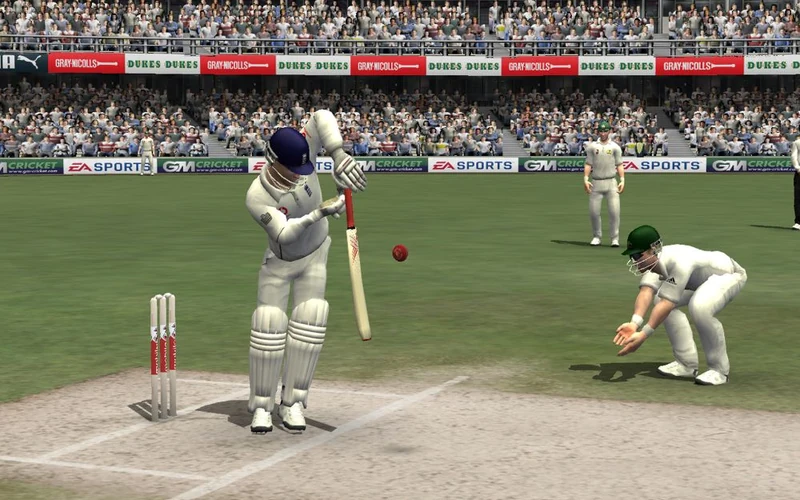
Cricket 07
EA’s 2006 cricket game. Start with desktop Chrome and a keyboard.
DOOM
The 1993 shooter that started it all — plus Freedoom, the free campaign you can play legally.

FIFA 14
The PSP version in a tab — career mode, Ad Hoc 1v1 rooms, controller support.

Half-Life
Black Mesa in a tab. Free demo chapters included; the full campaign needs your own files.
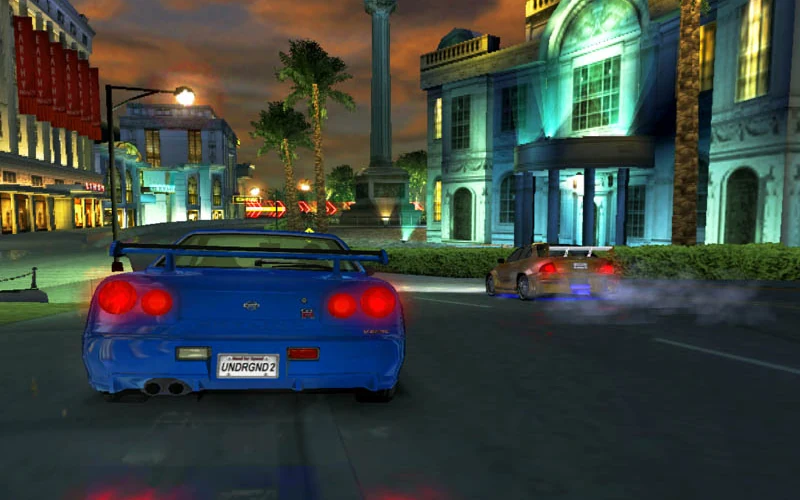
NFS: Underground 2
The 2004 street-racing classic. The port requires WebGPU and loads game data on first launch.
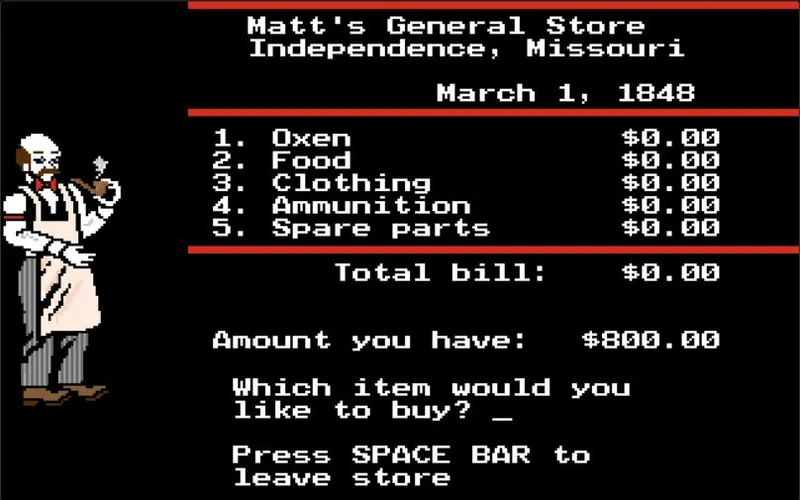
The Oregon Trail
Load the original MECC DOS edition and guide your wagon west.
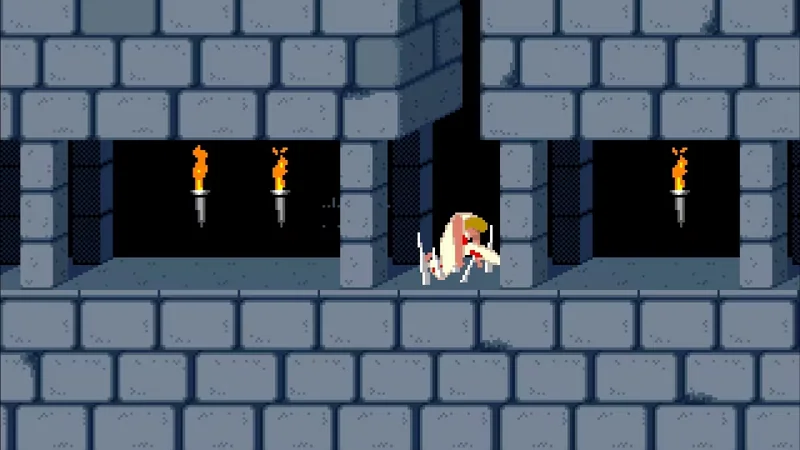
Prince of Persia
The 1989 original: twelve levels, a sixty-minute clock, no mercy.

Project I.G.I.
The 2000 tactical shooter. Compare PlayIGI and OpenIGI browser launch options.

Quake
Shareware episode free, online deathmatch servers, mouse look intact.

Quake III Arena
Pure arena deathmatch with online servers — movement is the fight.

Resident Evil Outbreak
Four-player co-op survival horror with the online mode still alive.
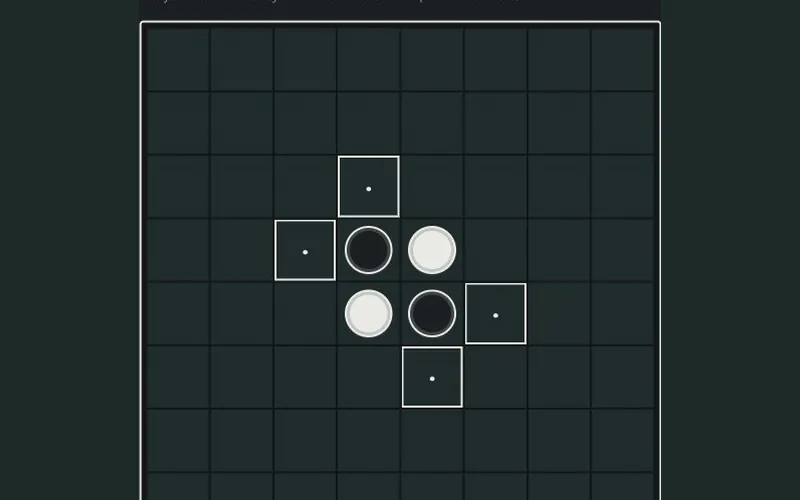
Reversi
Flip discs against the computer or share the board with a friend.

Road Rash
Five tracks, a career ladder, and punching people off motorcycles.
SimCity
Plan streets and zones in the original DOS city simulator.
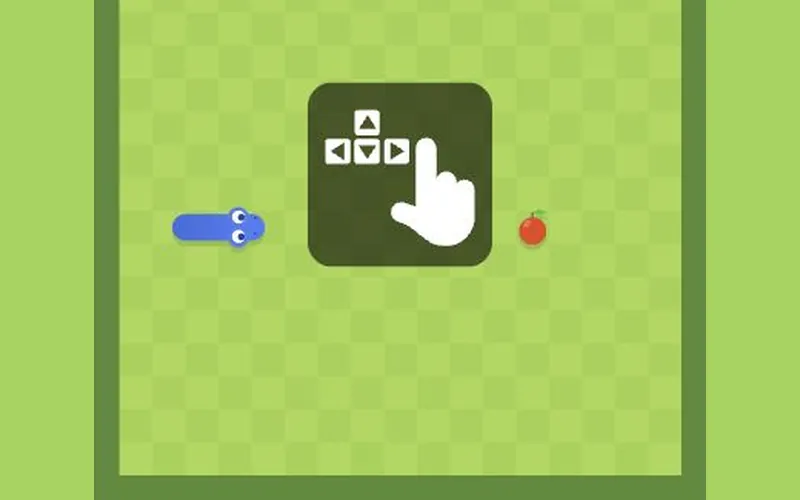
Snake
Steer around the board, collect apples and avoid your growing tail.
Stratego
Hide your flag, set up your ranks and scout the opposing army.
Tetris
Stack falling Tetriminos and clear lines in the official free game.
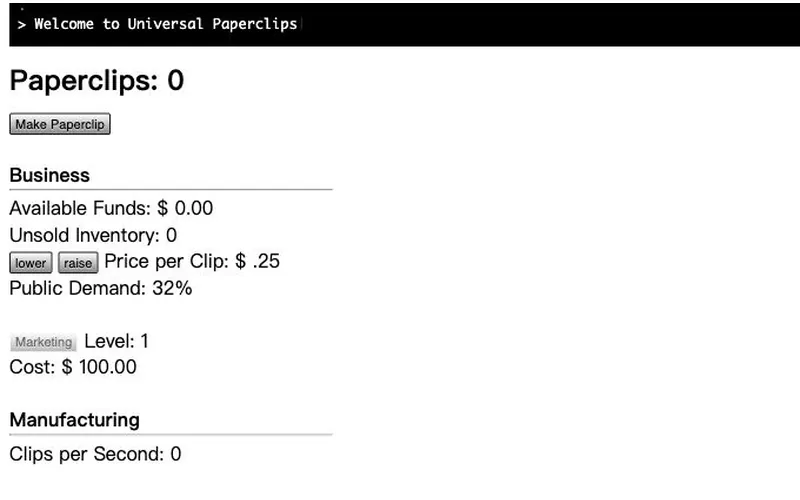
Universal Paperclips
Make your first paperclip, set a price and automate production.

Wolfenstein 3D
The 1992 original through DOSBox in a tab. Shareware episode free.
What Happy Wheels is
Happy Wheels is a physics game built around riders, awkward vehicles and short obstacle courses. Momentum and balance matter when you hit an edge or land a jump. Characters and courses change how a run feels, even when they share the same basic controls.
How to play Happy Wheels online
- Select Play Happy Wheels above to open the browser version in a new tab.
- Scroll to the JS Edition game panel and choose Play or Browse Levels.
- Keep the game area active when you start. Return to this tab to choose another classic game.
Controls
Select Play from the in-game menu and choose a level. Use the arrow keys to move and lean. Check the controls panel for character-specific actions, as a rider’s special controls can differ from another rider’s. Click inside the game if the page scrolls when you press the arrows.
What you need before playing
Use a desktop keyboard and wait for the JavaScript game panel to load. Choose Play inside the panel to use the browser edition.
Try a featured level first so you can learn how much speed you need for a jump or a steep incline. Take slopes slowly while getting used to leaning and landing. The title contains stylized violence, so choose a different ClickClassic game if you want a gentler option.
Which version is this?
Totaljerkface hosts the official JavaScript Edition of Happy Wheels. The browser menu includes Play, Browse Levels and Options. You may see links for Steam and phone apps around the game, but the browser edition starts from the game panel on this page.
Frequently asked questions
Do I need Flash? The official browser panel is labeled JS Edition.
Do I need Steam? The game is playable from the browser menu on Totaljerkface.
Where do I find more levels? The game menu includes Browse Levels.
What if the page promotes the desktop app? Scroll to the Happy Wheels panel and use its own Play option.
Something wrong with Happy Wheels? If the port does not load, the controls are wrong, or the link is dead, tell us and we will check it and fix the page or pull it.